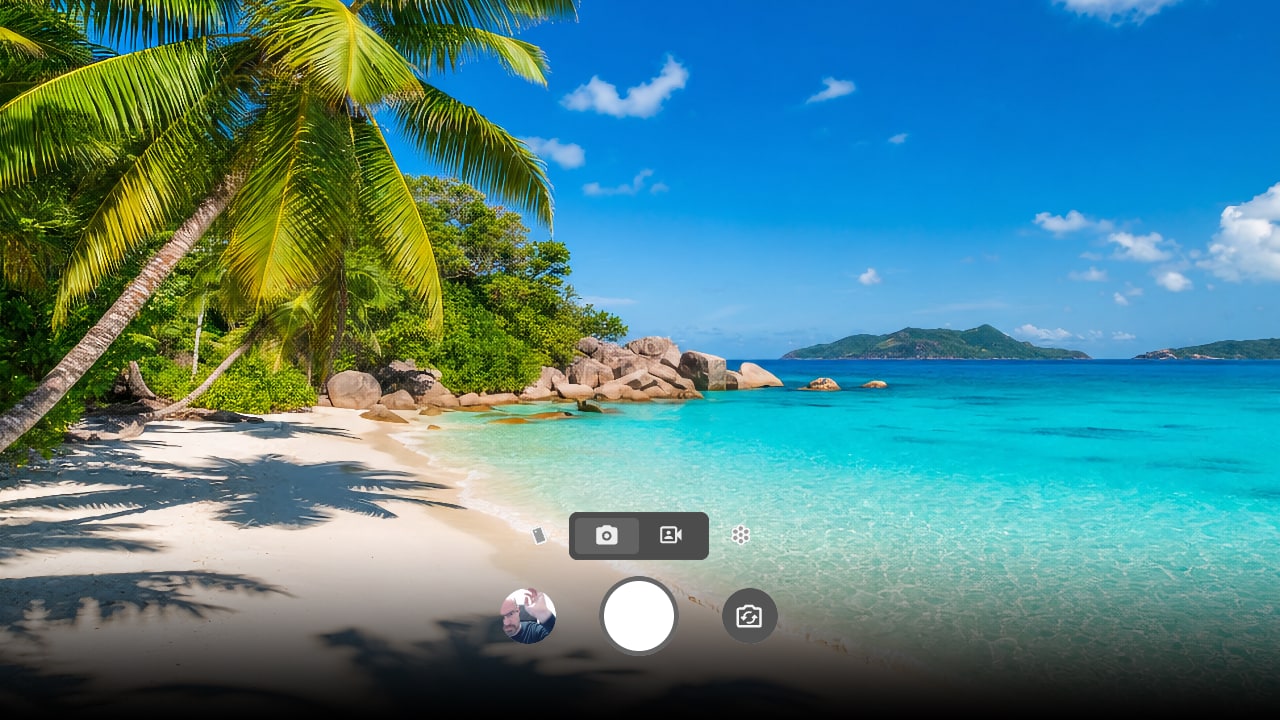
Live preview
What you see is what you save.
Filters, sliders, and effects render in real time. No surprise edits after the shutter.
Camera Web App by Puter
Take pictures and record videos online, right in your browser. Native flash, true zoom, real-time filters, and private cloud sync; no download needed.
Features
Everything you'd expect from a native camera app — and a few things you wouldn't.
Effects & LUTs
Apply real-time filters, drop in your own .cube LUT, or fine-tune with sliders — all live in the viewfinder.
16 shader effects: vignette, kaleidoscope, fisheye, bulge, swirl, ripple, stretch, wave, pixelate, posterize, scanlines, noise, edge detect, thermal, zoom, glitch
15 color filters. Import your own .cube LUTs for custom color grading.
Privacy & cloud
Photos and videos save straight to your Puter account, encrypted and synced across your devices.
Your shots live in your Puter drive. We don't see them or use them.
Shoot on your phone, edit on your laptop. Same gallery, instantly.
Download originals, anytime. No lock-in, no friction.
Three steps
From zero to your first photo in under ten seconds. No download required.
It runs in any modern browser — Chrome, Safari, Firefox, Edge. No install, no app store.
One free account gives you cloud storage, sync, and access to every Puter app.
Pick a filter, set your aspect, hit the shutter. Saves automatically.
FAQ
Almost. Camera uses modern browser APIs to access your device's full sensor resolution, native flash, and smooth zoom. The only real gap is video — we cap recording at 1080p because of browser performance limits.
Straight to your Puter drive — your own private cloud. They sync across every device you sign in on, and you can download originals as JPEG (photos) or WebM (video) anytime.
No. Camera runs entirely in your browser. Bookmark it, add it to your home screen, or open it directly — no app store, no download, no surprise permissions.
Yes. Drop a .cube file into the LUT picker. We support standard cubes up to 64³ — the same format used by professional color graders.
Browser MediaRecorder performance gets unreliable at 4K across devices, so we picked the resolution that works everywhere over the one that works sometimes.
Free, private, and faster to open than your phone's camera app.
Open Camera